When people think about bugs in software, they usually imagine apps crashing, freezing, or refusing to start. In traditional software, those are the obvious signs of a failure. But Virtual Reality (VR) is different. A VR app might run without crashing and still be full of issues that hurt the user’s experience.
This is why VR testing cannot be treated the same way as testing mobile or web applications. In immersive platforms, many bugs never show up in crash logs. Instead, they appear as broken interactions, wrong spatial placements, poor performance, or discomfort. These issues can make the difference between a usable app and one that frustrates or even harms users.
So, we have to ask: if your VR app doesn’t crash, does it really mean it’s bug-free? The short answer is no. The long answer requires us to look deeper into how VR applications work, what kinds of bugs they hide, and why proper VR QA testing is essential
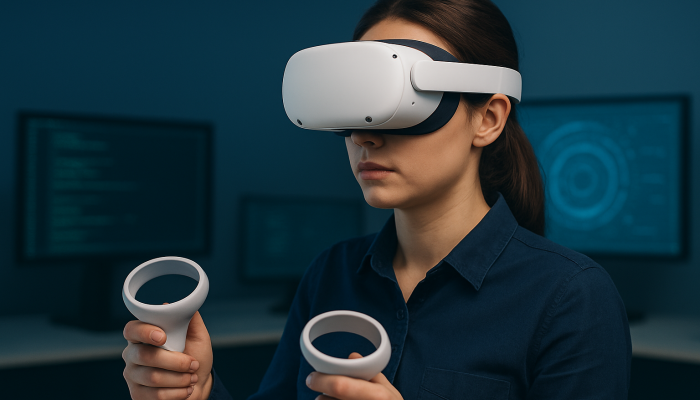
In VR, quality is not just about whether the app runs. It’s about how it feels for the user. Unlike mobile or desktop apps, where small glitches might be ignored, even minor VR bugs stand out because they break immersion
Even when an app runs smoothly, QA teams often find :
These aren’t crashes — but they instantly make the experience feel broken.
A VR app can run “perfectly” in terms of stability but still be unusable if comfort issues are ignored.
In many projects, testing is treated as a final step to catch crashes and functional errors. That approach doesn’t fit VR. Immersive apps have extra layers — 3D design, physics, spatial accuracy, haptics, comfort — that need to be tested as part of the development cycle, not just at the end.
Pressure to Deliver Quickly
If “no crash” isn’t enough, what does real VR testing involve? From our experience as QA specialists, proper testing must cover five critical areas
VR apps need to be tested across different headsets (Quest 3, Pico, Vive, etc.) and in different real-world spaces. A headset’s tracking performance in an office may not be the same as in a warehouse or training center.
This includes verifying:
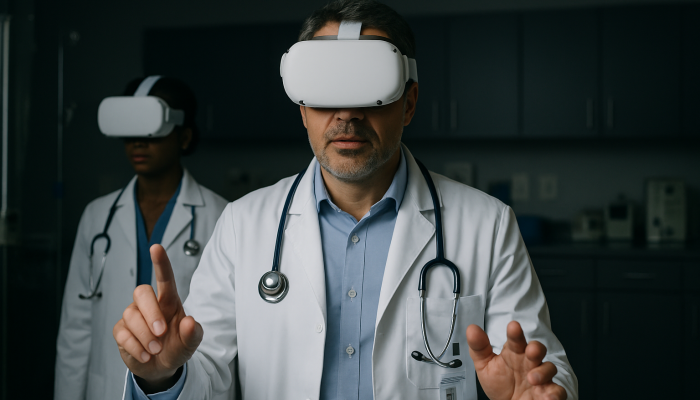
A crash-free VR app can still make users sick if frame rates or motion design are poorly optimized. Safety is even more critical in industrial or healthcare training apps, where wrong placements could lead to dangerous real-world outcomes.
QA needs to measure :
This ensures smooth, reliable performance before release.
VR isn’t just about the software — it’s about people using it. Testing must simulate how real users will behave, move, and interact in the environment. This helps uncover issues that logs or automated tests will never show.
The consequences of ignoring proper testing vary by context, but they all point to the same outcome: a product that fails to meet expectations.
In consumer VR, skipping QA often leads to poor app store reviews, high uninstall rates, and frustrated users who don’t return. In enterprise environments, the stakes are even higher. A poorly tested training simulation could lead to lower adoption by employees, or worse, incorrect learning outcomes that put people at risk. In industrial and healthcare applications, improper testing can translate directly into safety hazards.
From a business perspective, the damage isn’t just technical. It’s about trust. A company that delivers an unstable or uncomfortable VR solution risks losing credibility with its customers, investors, or workforce. And unlike a crash that can be quickly patched, user trust is much harder to repair once it’s broken.
At Mixed Reality Technologies, we’ve built our VR testing services around these challenges. We combine immersive hands-on testing, multi-headset coverage, and environment simulation to uncover issues that other methods miss
We don’t just look for crashes — we test the experience from start to finish to ensure it works for the people who matter: the user
To help teams experience this difference, we also offer a 2-week trial of our XR QA services. It’s a chance to see how structured VR testing prevents hidden bugs and ensures your app is ready for real-world use.
A VR application that doesn’t crash isn’t necessarily ready for release. Many of the most damaging issues in immersive technology never appear in logs or error reports — they appear in how users feel and interact within the experience. From misaligned interfaces to motion discomfort and device inconsistencies, these hidden bugs can derail even the most creative VR concepts.
For businesses and developers, the takeaway is clear: stability is only the starting point. True quality in VR comes from testing the details that matter most to users. That’s what transforms an app from something that simply runs into something that people trust, adopt, and keep using.
Fill out the form below and we will
contact you as soon as possible!